





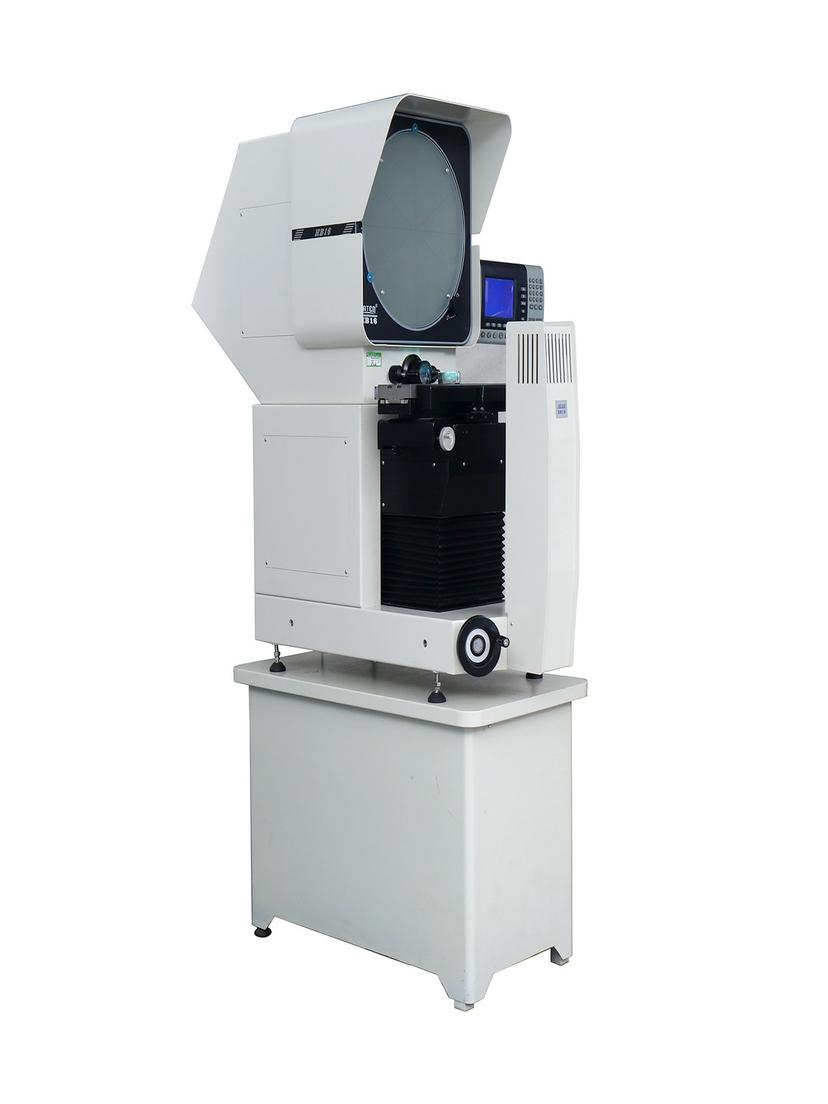
A profile projector — also called an optical comparator — magnifies a workpiece contour onto a screen. The contour on that screen does not necessarily face the same way as the part sitting on the stage: it may match the part, or it may be mirrored left to right. That is the difference between an obverse image and a reverse image.
1. Obverse or Reverse: the Optical Path Decides
Projection imaging follows a general rule: the image formed is inverted, and every additional reflection in the path flips it once more. A horizontal projector sends light through the workpiece horizontally while the screen stands vertical, so a reflecting surface turns the beam onto the screen. The screen shows both effects combined.
JATEN lists the two orientations as separate models rather than one option within a model, so the difference sits in the optical configuration. The orientation follows the model number and is fixed when the order is placed.
2. It Affects the View, Not the Reading
One misunderstanding first: a reverse image model does not produce reversed numbers. The readout follows stage travel — X and Z linear resolution 0.0005 mm — so it records how far the table moved, not which way the image faces. How to read the accuracy figures: see [How to Read Profile Projector Accuracy Specs](https://www.jatentech.com/blog/profile-projector-accuracy-specifications).
Angle measurement is unaffected for the same reason. The screen rotates 0-360° with a rotary indicator resolution of 1′ or 0.01°, and angles are read by turning the screen to the graduations. Orientation plays no part.
What is affected is interpretation: the operator's sense of direction, whether a drawing can go straight onto the screen, and whether two people handing over a job record left and right consistently. None of this changes the result, only the cycle time.
3. Obverse Image: When Drawings Go on the Screen
The horizontal series screen carries 90° cross lines, chart clips, and overlay clips, so a drawing can be clipped onto the screen and compared against the projected contour. Stage, illumination, and objective are covered in [the JTDHB12 five components guide](https://www.jatentech.com/blog/jtdhb12-horizontal-profile-projector-structure). That is the classic use of a projector, and the origin of the name optical comparator. An integral hood cuts ambient light, which matters for overlay work.
An overlay only works if the two directions agree: the projected contour and the printed contour have to face the same way to coincide. With a reverse image, the drawing must be mirrored before it lines up. First-article approval, template inspection, and complex contour comparison all depend on this step. An obverse image model takes the drawing as printed; a reverse image model needs a mirrored set.
4. Reverse Image: Enough When No Overlay Is Needed
Not every inspection uses an overlay. Reading dimensions, centre distances, thread flank angles, or form angles means judging the contour itself, with no orientation involved — and for a left-right symmetrical part, obverse and reverse look the same.
In those jobs the reverse image is mirrored against the workpiece, but the judgement rests on the shape and position of the contour, not on its match with a drawing, so the result stands. The selection question reduces to one line: does this operation need a drawing laid over the screen?
One factor overlaps with orientation: flip a workpiece on the stage and the screen shows the other face, direction changing with it. Confirming which face is loaded matters more than remembering the orientation.